
Arboris Analytics Documentation
Financial intelligence for fractional CFOs
Connect QuickBooks, see which clients need attention, ask evidence-grounded questions, and export a branded financial review your client can act on.
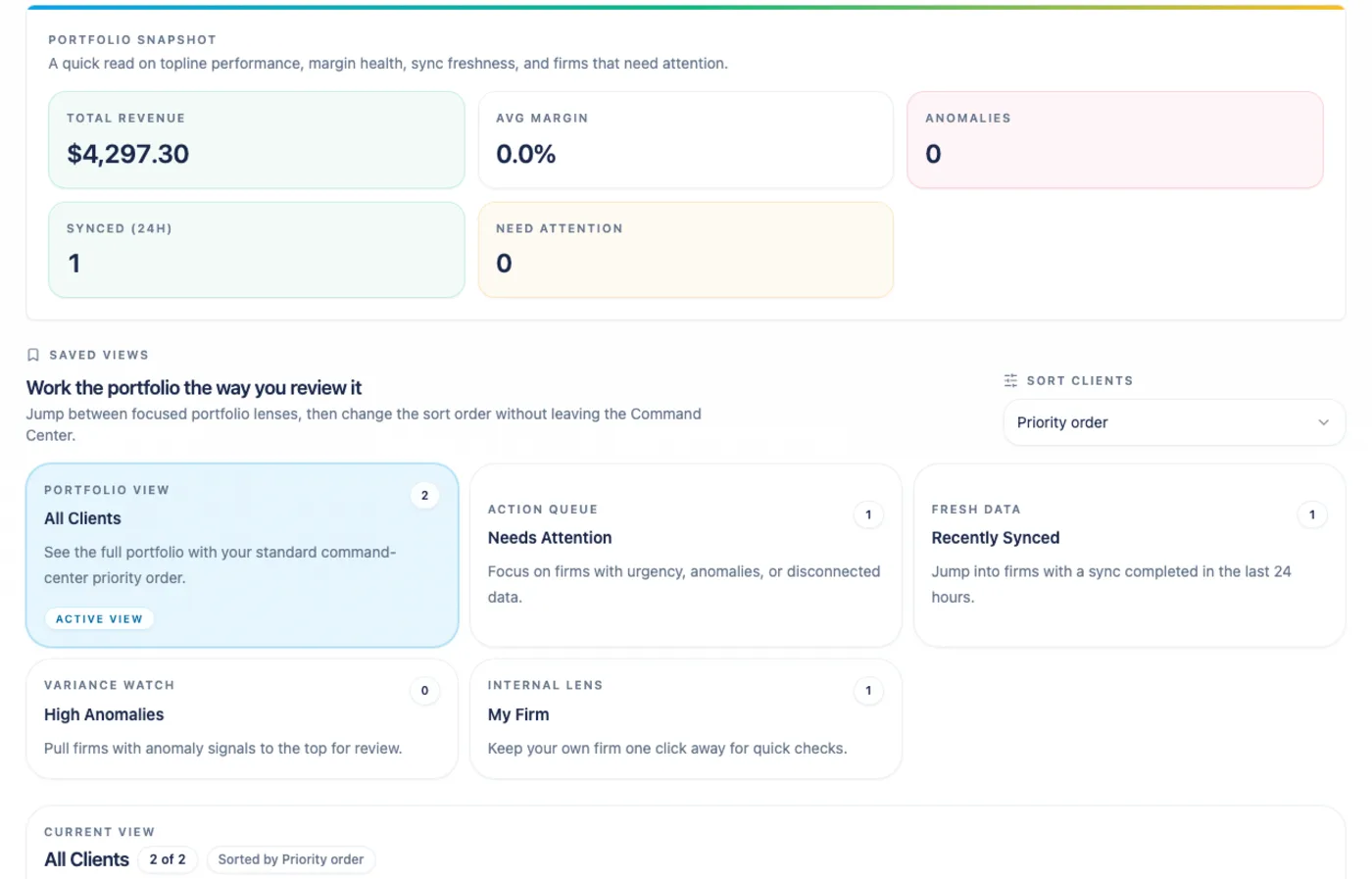
Connect. Surface. Analyze. Deliver. Repeat.
Arboris is built for the weekly and monthly client review loop: connect the client’s QuickBooks account, surface material changes, analyze the story behind the numbers, deliver a branded PDF, then move to the next client with confidence.
01 Find the next client Command Center ranks review urgency across the firm.
02 Trust the numbers Analysis shows KPI coverage, trends, and anomalies from synced data.
03 Explain the story AI Chat answers bounded questions with evidence and confidence tags.
04 Send the review Reports export a branded Full Financial Review PDF.

- ConnectQuickBooks is the active accounting connection in alpha.
- DeliverThe current client-ready output is a branded PDF review.
Start Where You Are
Section titled “Start Where You Are”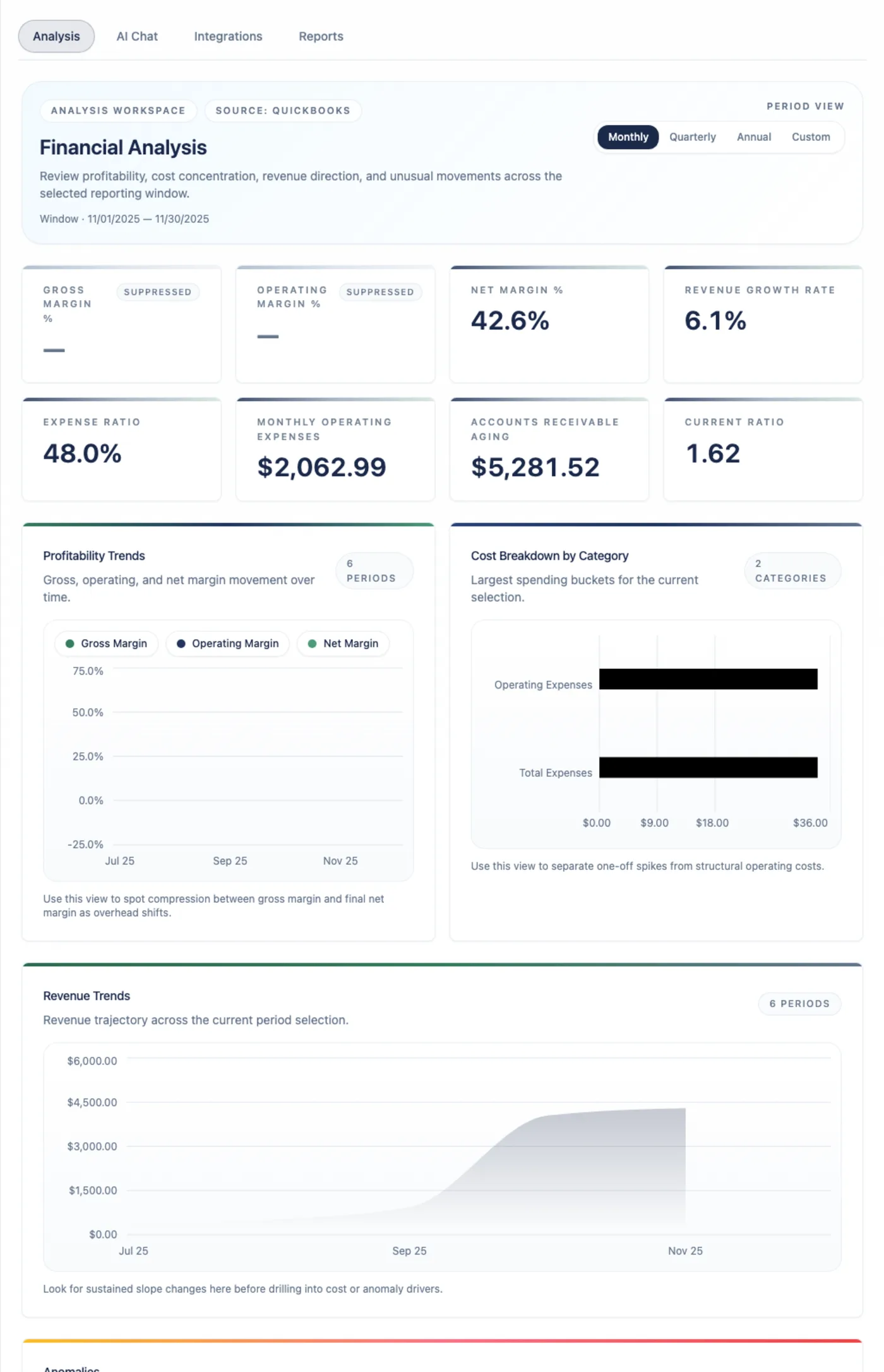
Analysis Review KPIs, trend direction, cost categories, data coverage, and anomalies.
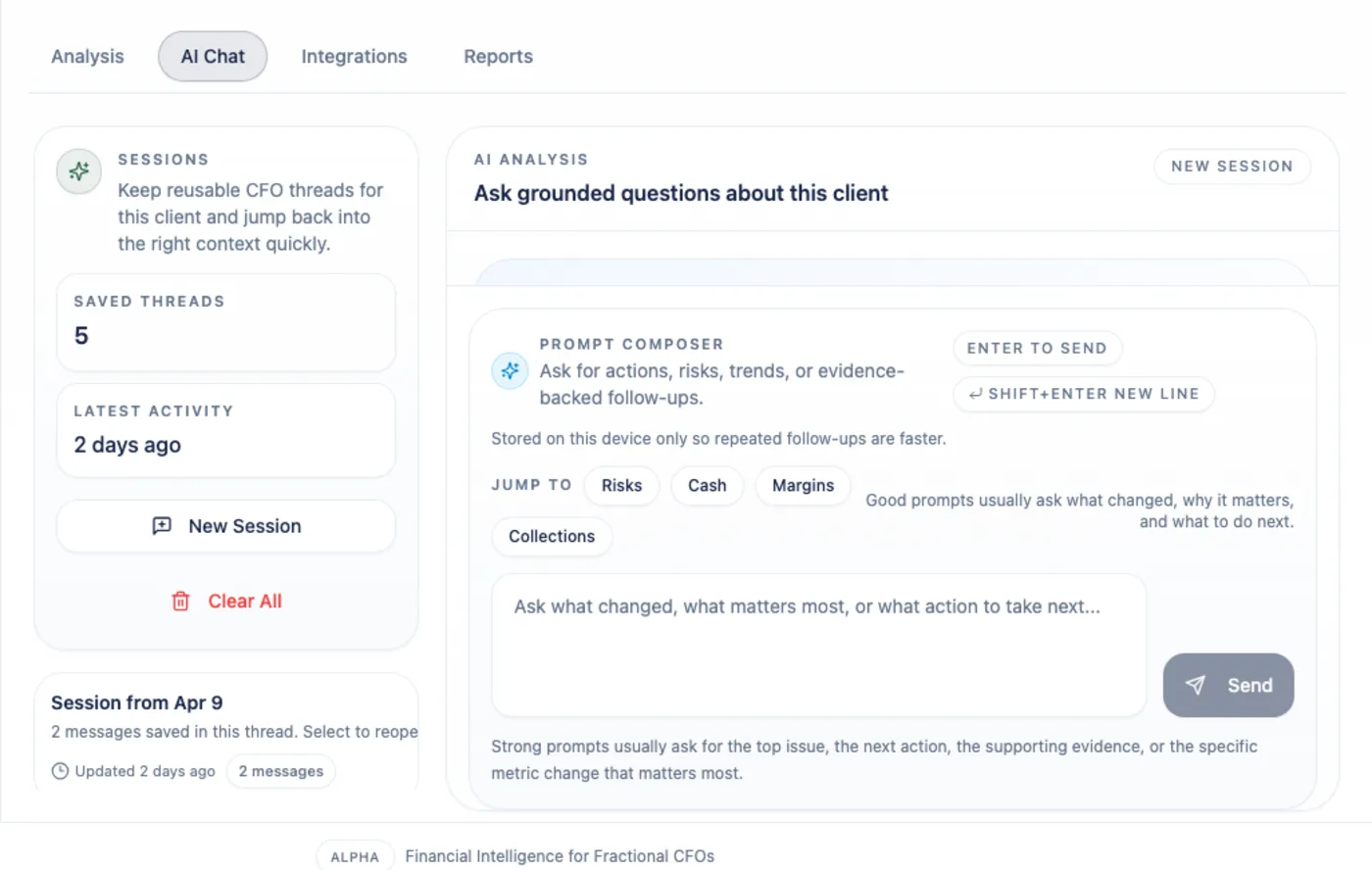
AI Chat Ask bounded questions and inspect the evidence behind the answer.
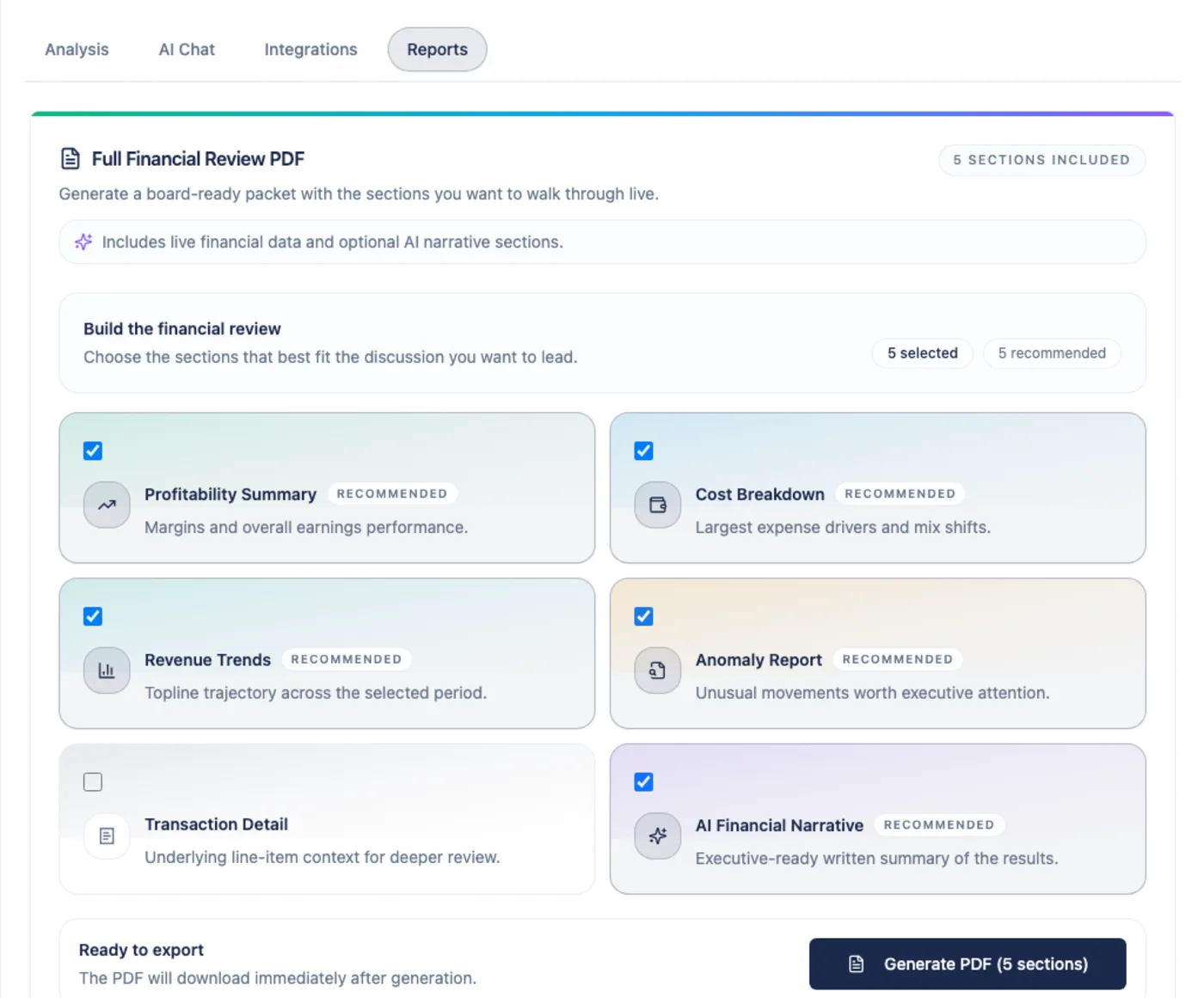
Reports Export a branded Full Financial Review PDF for the client conversation.
What Arboris Documents
Section titled “What Arboris Documents”These docs cover the alpha user surface available to fractional CFOs: signup, firm and client workspaces, QuickBooks, Command Center, Analysis, AI Chat, Reports, Search, Settings, Billing, Trust, and support paths.
Xero and CSV appear in the product as coming-soon integration cards. Public programmatic API access is outside alpha scope; the API reference explains what is and is not publicly supported today.