
AI Chat
AI Chat helps a fractional CFO ask bounded financial questions about one client at a time. It uses that client’s synced QuickBooks evidence, the same confidence rules used in report narratives, and the same client isolation boundary as the rest of the workspace.
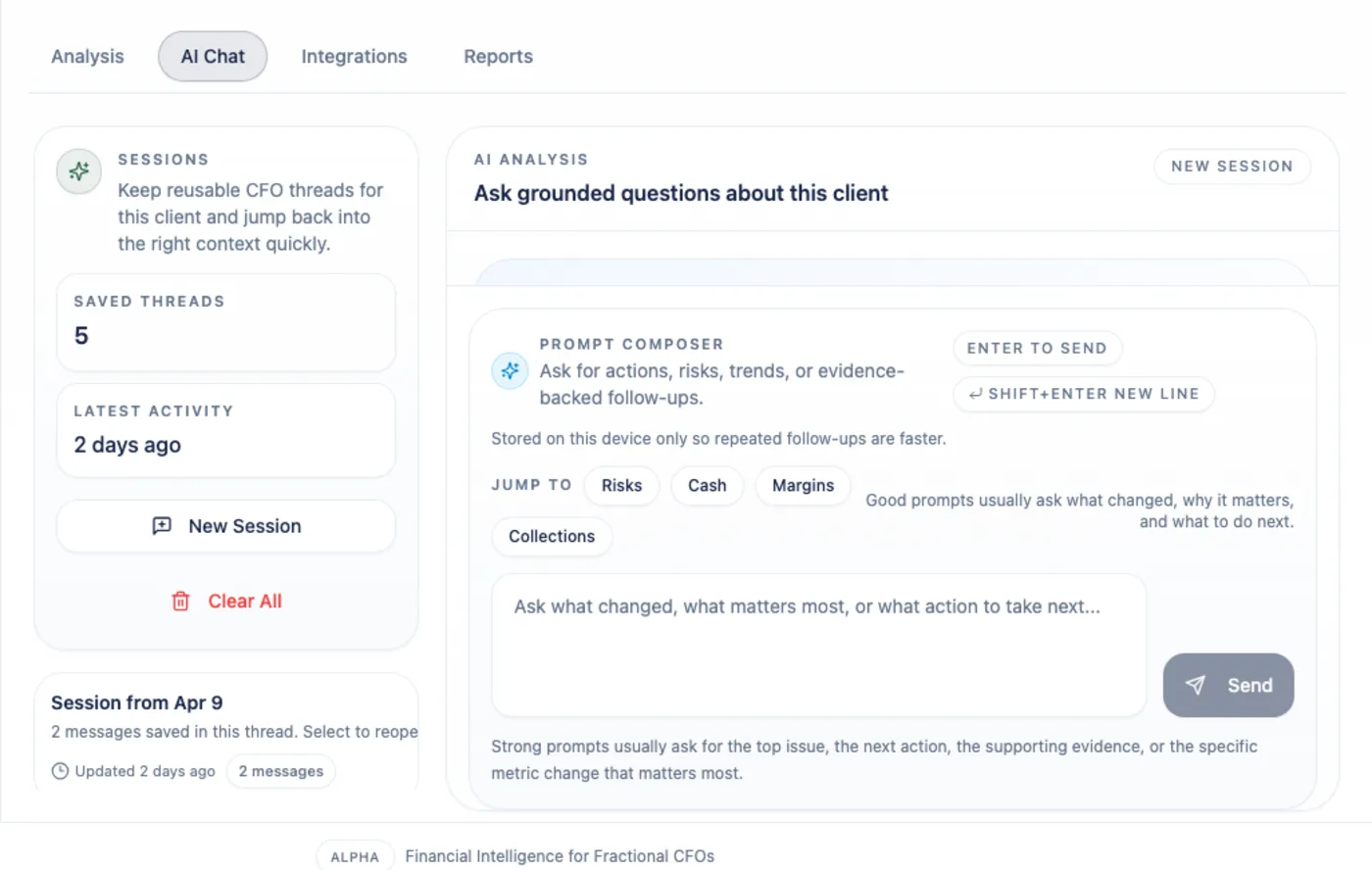
AI Chat is not a general advisor. It analyzes available financial data, explains what the evidence supports, and refuses questions that fall outside Arboris scope.
Before You Ask
Section titled “Before You Ask”AI Chat works best after the client has an active QuickBooks connection and a recent successful sync.
If the client has no financial data yet, Arboris will not invent an answer. The assistant asks you to connect QuickBooks from the Integrations tab before analyzing the client.
If data exists but is stale, partial, or missing a source report, Arboris can still answer where appropriate, but it lowers confidence and names the limitation.
What Answers Include
Section titled “What Answers Include”A useful AI Chat answer should include:
- A short executive summary.
- Specific periods, metrics, and amounts.
- Confidence tags on analytical claims.
- Evidence sections that point back to source data.
- Caveats when a chart, KPI, report, or transaction set is incomplete.
- Next steps when the evidence supports an action.
The assistant can answer questions such as “What changed in revenue last month?”, “Why did margin decline?”, “Which vendors are driving cost pressure?”, or “What should I review before a client meeting?”
Confidence Tags
Section titled “Confidence Tags”Each analytical claim is labeled with one of three confidence levels:
| Tag | Meaning |
|---|---|
| High | Recent, complete QuickBooks evidence directly supports the claim. |
| Moderate | Evidence supports the claim, but it is older, incomplete, or based on a short history. |
| Low | Evidence is thin and the answer is directional rather than definitive. |
Understated confidence is intentional. Arboris should not make a client-facing claim sound stronger than the source data allows.
Evidence Sections
Section titled “Evidence Sections”Expandable evidence sections show why a claim was made. Evidence can come from synced financial reports, transaction rows, QuickBooks customer and vendor records, Trial Balance rows, General Ledger postings, prior AI sessions, and report metadata.
When a source maps back to the Analysis workspace, Arboris links the evidence to the relevant Analysis view so you can check coverage, transactions, or reconciliation context before using the answer with a client.

Scope Limits
Section titled “Scope Limits”AI Chat refuses tax advice, legal advice, and investment recommendations. It also refuses analytical questions when there is no financial data for the selected client.
AI Chat does not compare one client to another. The chat context is scoped to the current client, and answers should never reference another client’s data.
Sessions
Section titled “Sessions”Chat sessions are retained until you delete them. Arboris suggests starting a new session after long conversations so the thread stays focused, but it does not force a reset.
Use the new-session shortcut only when focus is outside the message composer. Normal typing in text fields should not trigger workspace shortcuts.
Using Answers In Reports
Section titled “Using Answers In Reports”AI narrative can be included in a Full Financial Review PDF when you select the AI Financial Narrative report section. AI content in exports is labeled as advisory, keeps confidence tags, and includes evidence citations as footnotes.
Review each AI answer before using it in client-facing material. The system is designed to show its evidence, not to replace CFO judgment.