
Settings
Settings is available from the authenticated customer-app header. Use it to manage firm identity, account security, notification preferences, data export, and account deletion.
Firm Profile
Section titled “Firm Profile”The Profile section shows the current firm name, primary email, verification status, activation status, and any active support impersonation state.
You can update the firm name. Firm names must remain unique and are limited to 100 characters.
You can also request an email change. The existing email stays active until the new address is verified. Arboris sends verification to the new address and a notice to the old address.
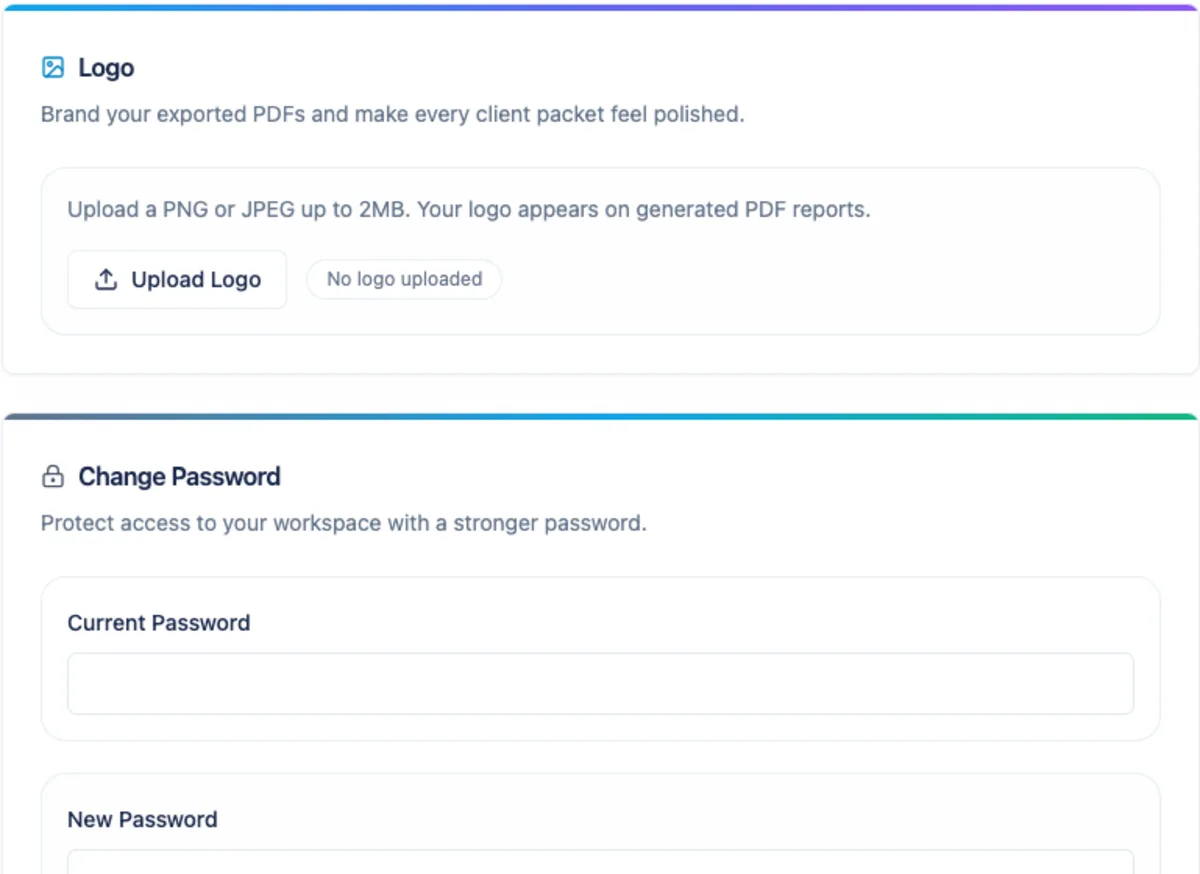
Upload a PNG or JPEG logo up to 2 MB. Arboris uses the logo in the authenticated app header and in generated PDF reports.
You can preview the current logo or remove it. If no firm logo is uploaded, Arboris uses the default Arboris Analytics mark.
Notifications
Section titled “Notifications”Settings stores four user-facing preference toggles: anomaly alerts, sync success, sync failure, and payment alerts.
In the current alpha email path, sync-failure email after terminal retry failure is the shipped user-preference-controlled notification. Planned anomaly, sync-success, and payment toggles are shown as planned and do not send email yet. Welcome, email verification, email change notice, and password reset are account lifecycle emails and are not controlled by these toggles. Internal job failure email is an operations alert sent only when an operations recipient is configured.
Daily digest, sync-success digest, anomaly digest, payment failure, subscription change, and deletion confirmation emails are outside alpha until their senders and preference checks are implemented.
Password
Section titled “Password”Use Password settings to change your in-app password. Arboris verifies the current password and applies the same password complexity rules used for signup and reset.
Changing the password in-app does not automatically invalidate every existing refresh token.
Data Export
Section titled “Data Export”Data Export produces a ZIP with CSV files for firm data that Arboris can export in alpha.
Do not use Data Export as a replacement for a generated client-ready report. Reports remain PDF-only in alpha.
Danger Zone
Section titled “Danger Zone”Deleting the firm starts account deletion. Arboris tombstones the firm, logs the user out, revokes refresh tokens, and blocks normal access for non-active firms.
There is a 30-day grace window for cancellation. After that window, the background deletion path can remove the firm database and platform records.
Deleting a client is different from deleting the firm. Client deletion is a soft delete; contact Arboris support if a deleted client needs to be reviewed for restoration.